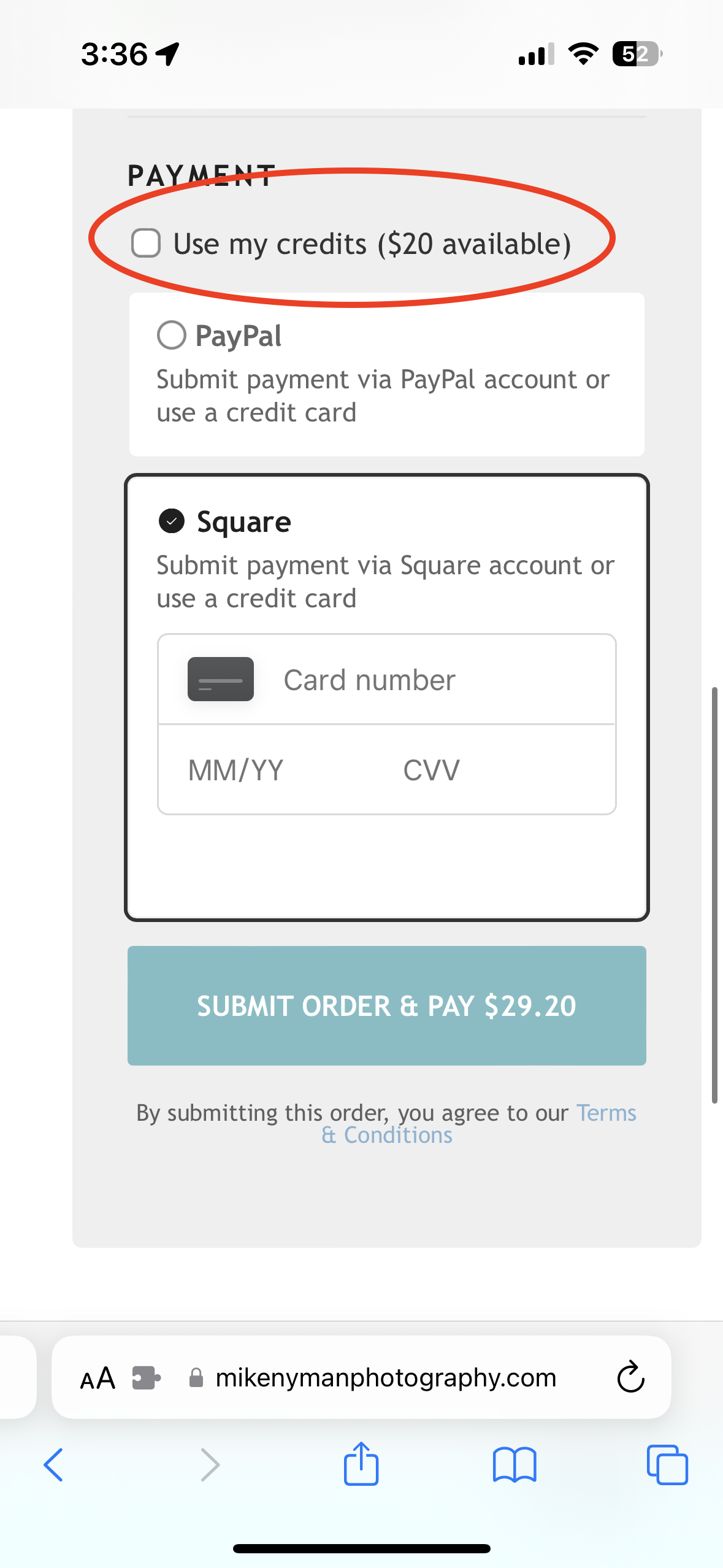
How To To Apply Your Booking Credits
Your credits are attached to the the email address you used when booking your sessions.
1. On the main page, under purchase, click cart.
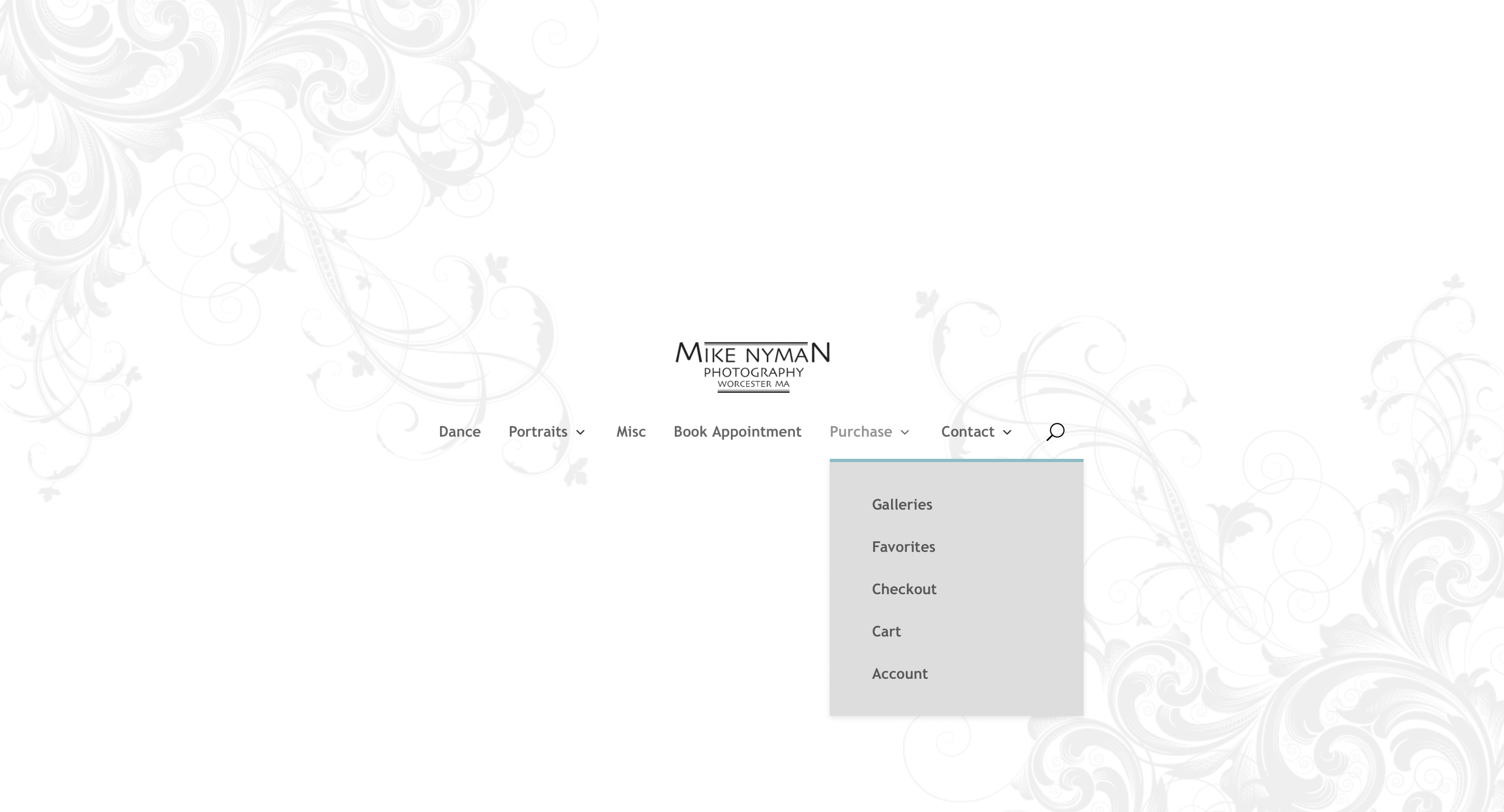
2. Click the teal “continue to checkout” button in the lower right section of the screen.

3. Under payment methods, check the box, applying your credit amount.

Your credits are attached to the the email address you used when booking your sessions.
1. On the main page, under purchase, click cart.
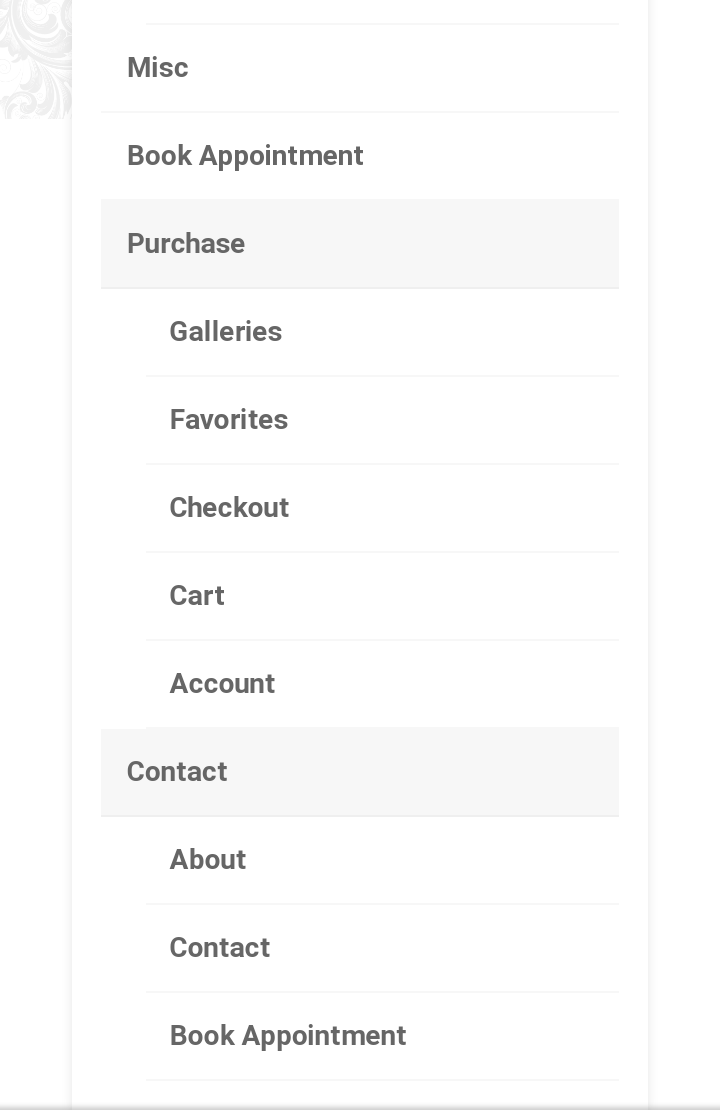
2. Click the teal “continue to checkout” button in the lower right section of the screen.
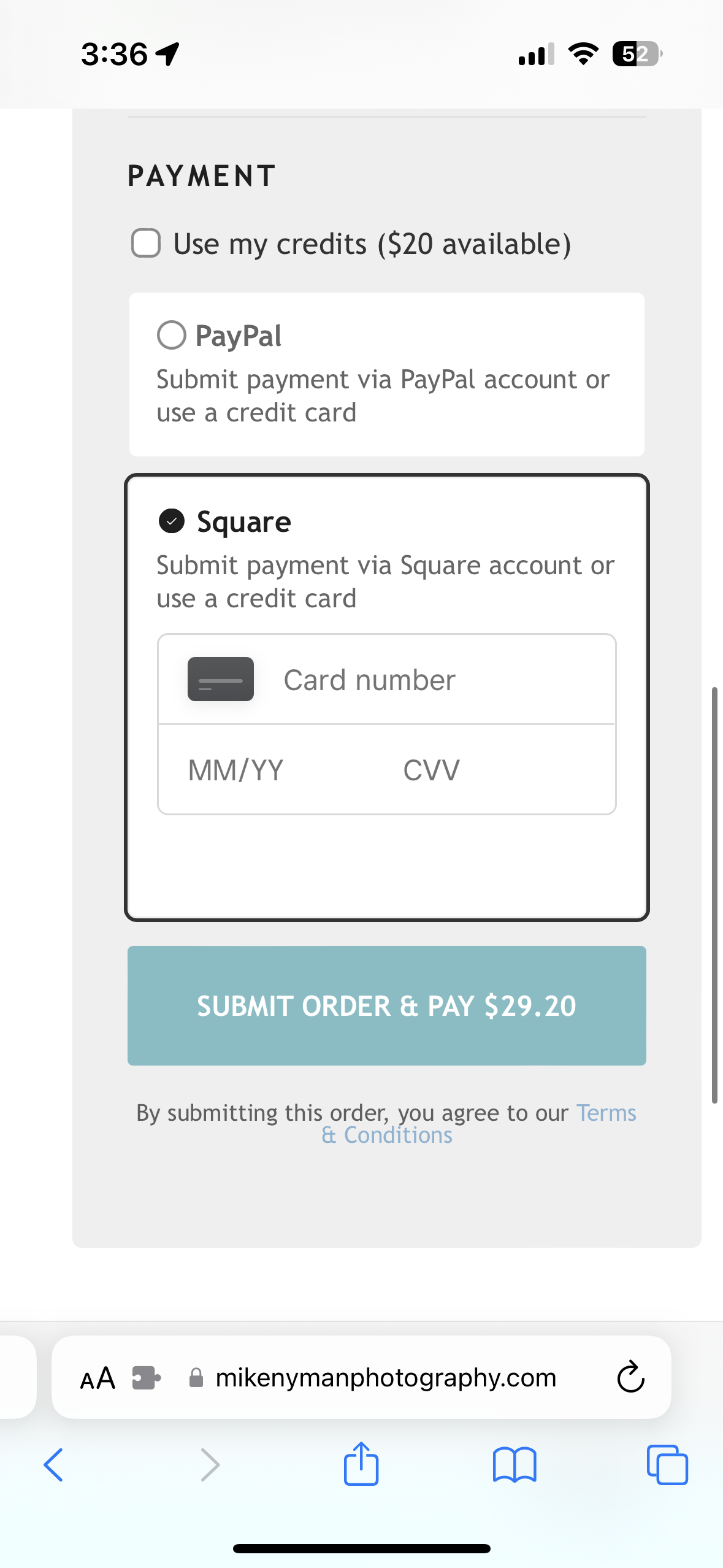
3. Under payment methods, check the box, applying your credit amount.