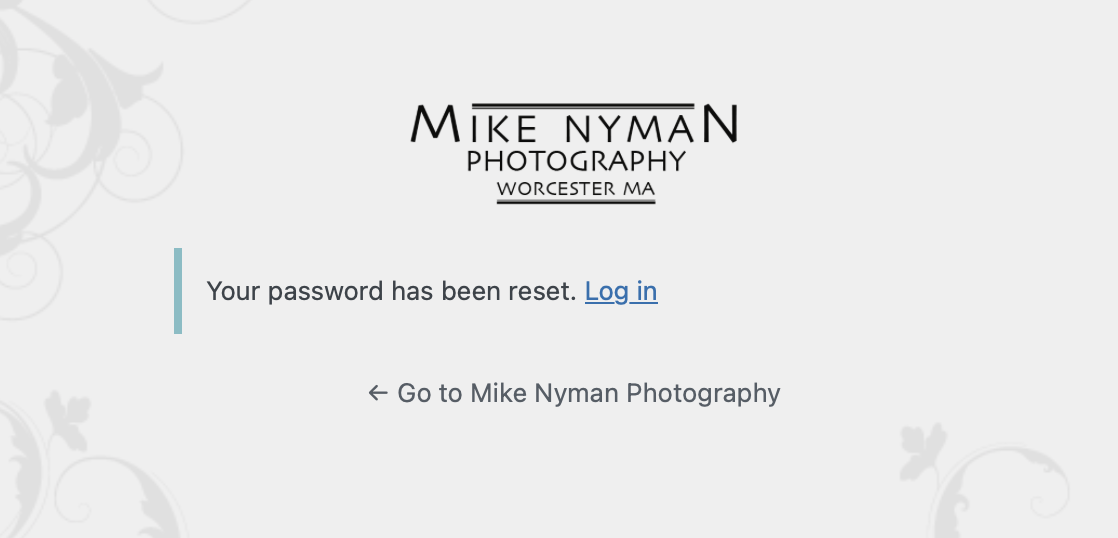
How to Reset a Lost Password
- Click on the Lost Your Password link.
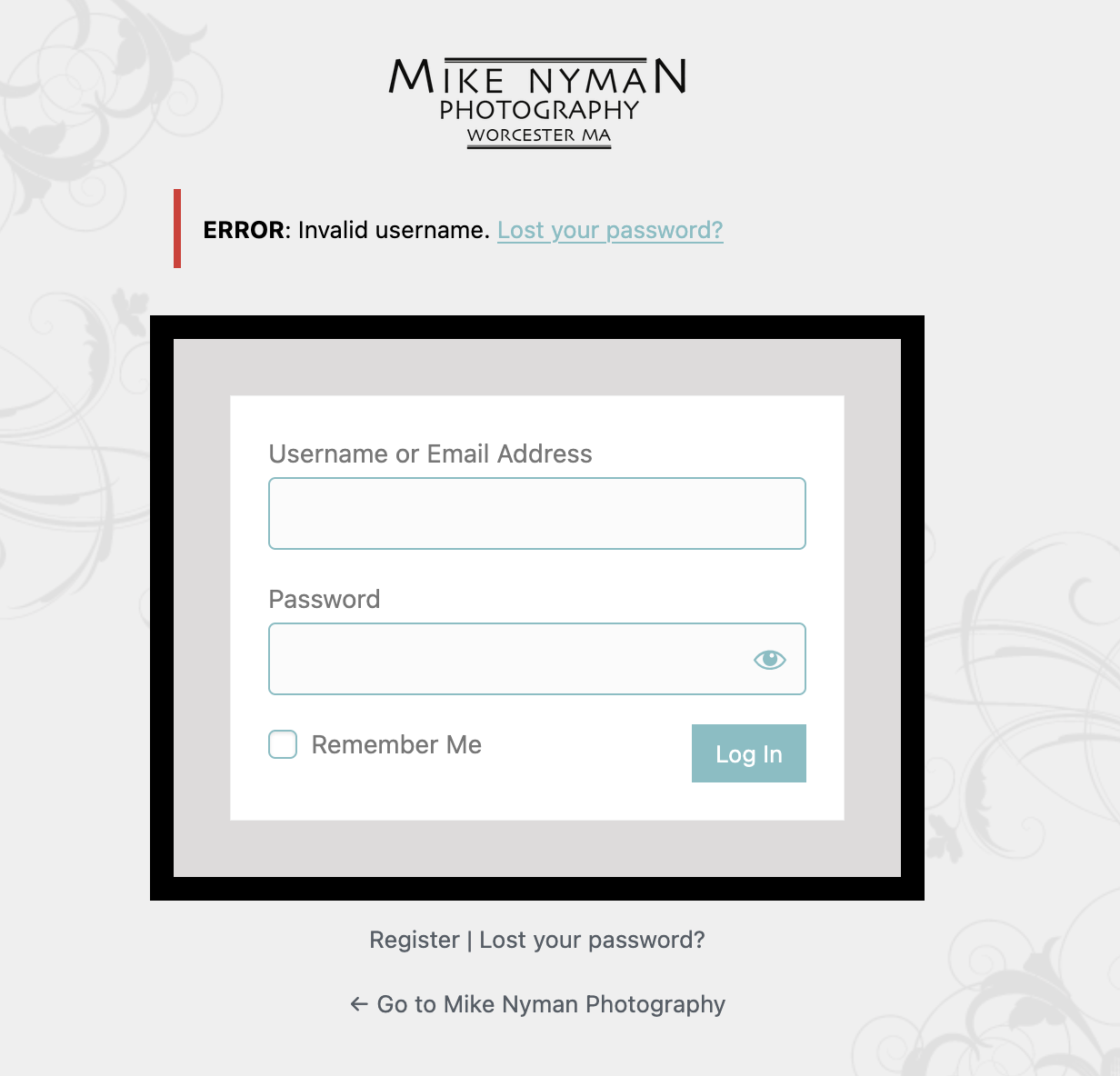
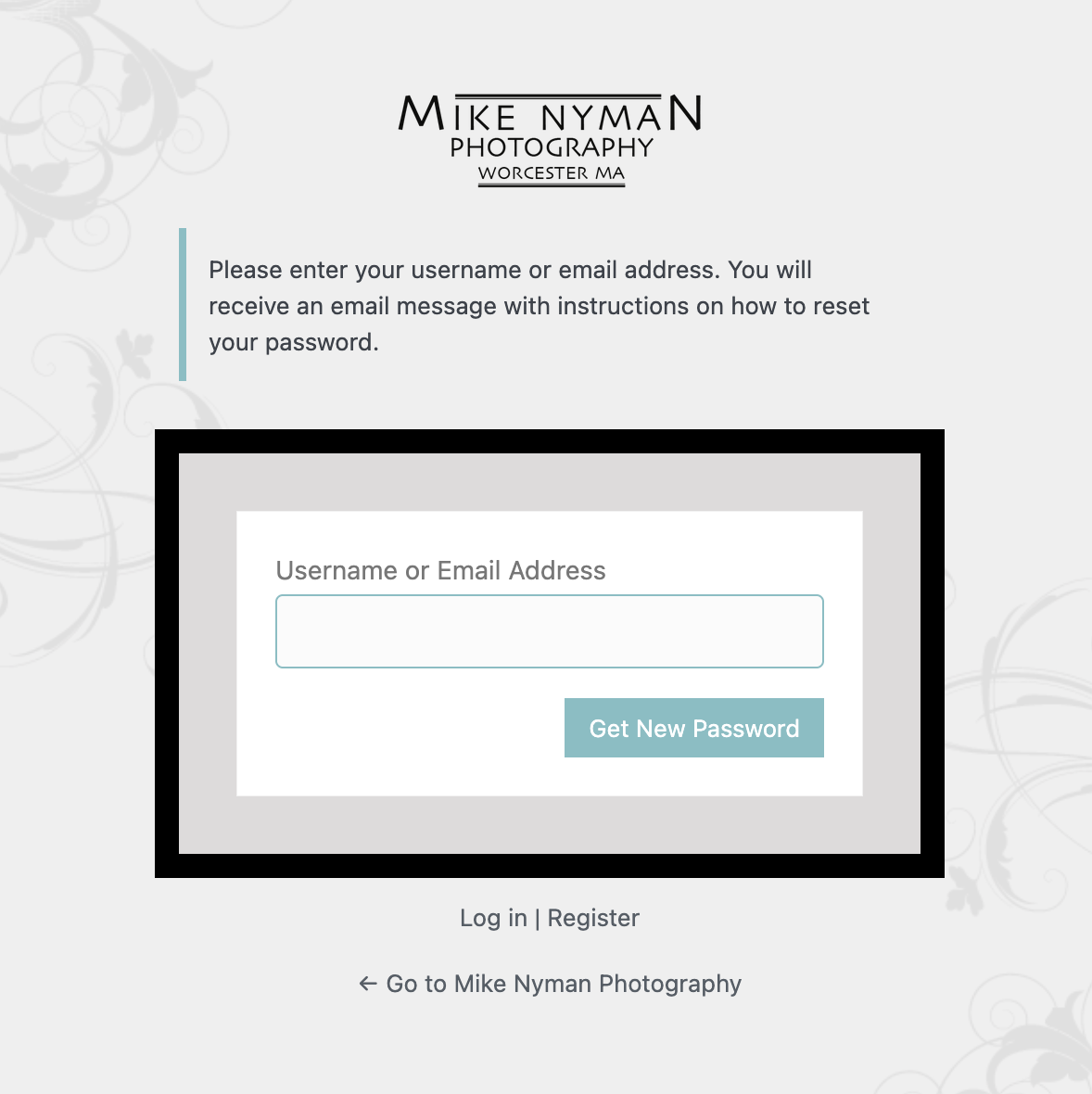
2. Enter your existing Username or Email Address in the box and click on Get New Password.
3. THIS IS IMPORTANT: Do NOT enter your username and new password in the boxes. Instead, check your email and click on the link provided.
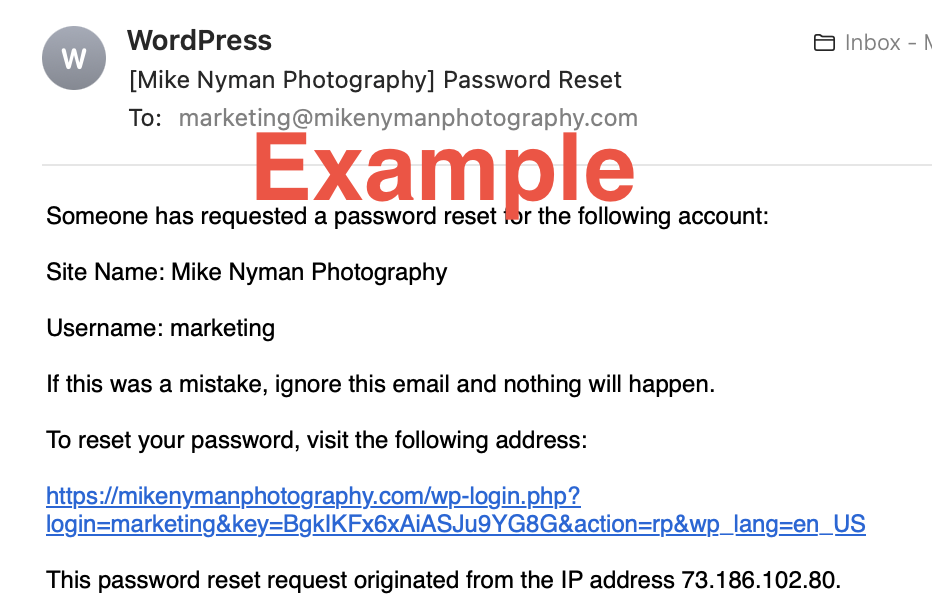
3. THIS IS IMPORTANT: Do NOT enter your username and new password in the boxes. Instead, check your email and click on the link provided.
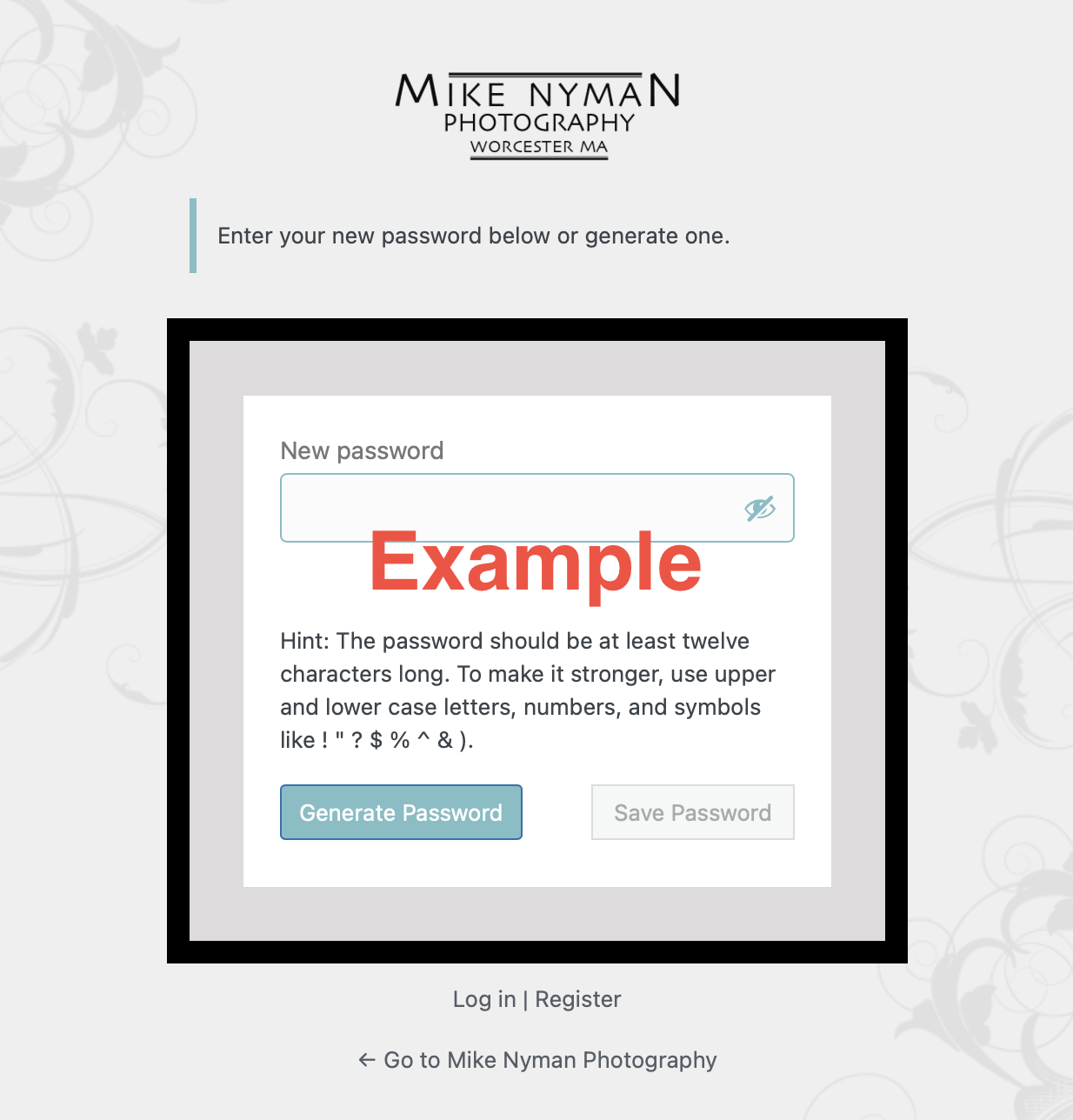
5. You may now click on the Log In link and enter your updated credentials.